Tech Guardrails for Boards
How to use AI in the boardroom without creating new risks: six guardrails, plus a free Model AI in the Boardroom Policy your board can adopt.

Marci Cornell-Feist · Founder, Minutes Mojo · February 27, 2026 · 5 min read
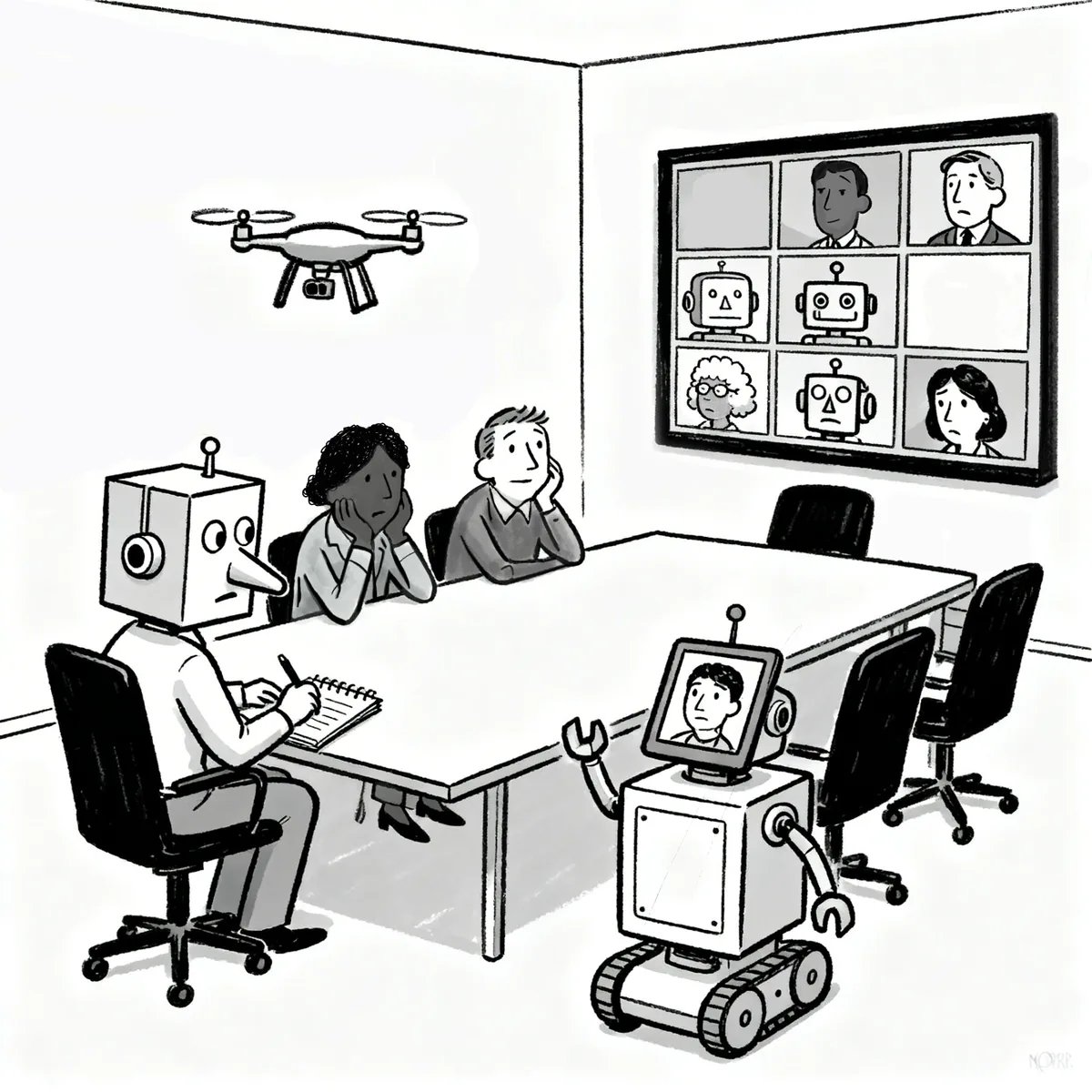
AI belongs in the boardroom. It can eliminate hours of administrative work, help boards capture decisions more accurately, and make it easier to turn meetings into action.
Board meetings aren't ordinary meetings, though. They contain some of an organization's most sensitive conversations, about people, money, strategy, legal issues, performance, and difficult decisions. Unlike ordinary meeting notes, board minutes become part of the organization's permanent governance record.
The goal isn't to keep AI out of the boardroom. It's to use it thoughtfully, being clear about what work to hand to AI, what information to trust it with, and where human judgment still matters.
Here are six guardrails to help.
Guardrail #1: Start With the Job, Not the Tool
It's tempting to start with "we have an AI notetaker, let's use it for the board meeting." Start somewhere else: what are you actually trying to create?
A recording captures the meeting. A transcript captures what everyone said. An AI summary captures what the system thinks mattered. Board minutes document what the governing body did, decisions, motions, votes, and actions. These aren't interchangeable.
General-purpose AI is genuinely useful for general-purpose work, but when the output matters, especially for your official governance record, look for a tool built specifically for that job.
Guardrail #2: Don't Confuse More Information With a Better Record
Technology has made it almost effortless to preserve every word of a meeting, but that's not necessarily a good idea. A transcript can contain disagreements, preliminary ideas, personnel discussions, offhand comments, legal concerns, and material never meant to become part of a permanent record.
Good minutes capture what matters without recreating the entire conversation.
Preserve enough to reconstruct the decision, not enough to reconstruct the meeting.
The recording can help create the minutes. It doesn't have to become the minutes.
Guardrail #3: Know Where Your Information Goes
Before inviting an AI tool into a board meeting, understand what happens to the information you give it. At minimum, ask where recordings and transcripts are stored, how they're protected, who can access them, whether they're shared with third parties or used to train AI models, how long they're retained, and who inside your organization controls access.
A free AI notetaker, a general-purpose chatbot, and a purpose-built governance tool can have very different policies here. Worth knowing which one you're actually trusting with the work.
Guardrail #4: Decide When AI Should Leave the Room
Using AI for a board meeting doesn't mean it needs to be present for every minute of it. Boards routinely discuss personnel matters, litigation, legal advice, confidential negotiations, and individual performance, subjects that deserve extra care.
Have a plan for when recording, transcription, or AI assistance gets paused, and make that decision deliberately rather than letting the tool make it by default. If a discussion touches attorney-client privilege or other sensitive ground, consider whether the tool belongs in the room at all, and consult counsel when appropriate.
Guardrail #5: Keep Humans Responsible for the Record
AI can do most of the work involved in creating minutes, but it shouldn't get the final say. It can misinterpret a speaker, miss a motion, confuse who voted, include too much discussion, or write something confidently that simply shouldn’t be in your official record.
Someone who attended the meeting should review the draft, then the board follows its normal approval process.
AI can assist in creating the record. Humans remain responsible for its accuracy and approval.
Guardrail #6: Have a Retention Plan
Recordings and transcripts accumulate quickly. Someone records a meeting, Zoom keeps a copy, an AI tool creates a transcript, someone downloads another version. Six months later, nobody remembers what exists or where it lives.
Decide in advance what your organization intends to keep, for how long, and why. For many private and nonprofit boards, recordings and transcripts are working materials used to create the official minutes, not records that need to live forever, so once they've served that purpose, we highly recommend deleting them on a set schedule.
Retention requirements do vary though. Litigation holds, investigations, audits, and contractual obligations can require materials to be preserved longer. The goal is having a policy, rather than accumulating an archive because nobody thought to delete anything.
The Bigger Principle: Use the Right AI for the Right Job
The real question for boards isn't whether to use AI. It's where AI can genuinely make the work better, and what the right way to use it looks like there.
AI is very good at removing work people shouldn't have to do by hand. Thoughtful adoption means understanding the job first, choosing technology suited to that job, protecting the information involved, and keeping human judgment where it belongs.
A general-purpose AI tool can summarize a board meeting. A notetaker can capture what everyone said. A purpose-built minutes tool can help create the actual governance record a board needs.
The right AI isn't the one that can do the most. It's the one built to do the job you actually need done.
Put the Guardrails Into Practice
The easiest way to make these decisions consistently is to put them in writing. We've created a free Model AI in the Boardroom Policy for Nonprofit and Private Governing Bodies that organizations can customize and bring to their boards.
It covers approved AI and meeting technology, notice and consent, confidential and privileged discussions, human review, data access and sharing, retention and deletion, and responsibility for keeping the policy current.
Public bodies such as municipal boards, commissions, authorities, and school committees may be subject to Open Meeting Laws, Public Records Laws, and other jurisdiction-specific requirements, and should use guidance appropriate to their jurisdiction.
-
Start with the job, not the tool
Decide what you’re actually trying to create. Recordings, transcripts, AI summaries, and board minutes aren’t interchangeable. When the output is your official governance record, use a tool built for that job.
-
Don’t confuse more information with a better record
Good minutes capture what matters without recreating the entire conversation. Preserve enough to reconstruct the decision, not enough to reconstruct the meeting.
-
Know where your information goes
Before using an AI tool in a board meeting, ask where recordings and transcripts are stored, how they’re protected, who can access them, whether they’re shared or used to train AI models, and how long they’re retained.
-
Decide when AI should leave the room
Plan in advance when recording, transcription, or AI assistance gets paused, such as for personnel matters, litigation, or privileged legal advice. Consult counsel when appropriate.
-
Keep humans responsible for the record
Someone who attended the meeting should review the AI-assisted draft, then the board follows its normal approval process.
-
Have a retention plan
Decide what to keep, for how long, and why. For many private and nonprofit boards, delete recordings and transcripts on a set schedule once the minutes are approved, unless litigation holds, audits, or contracts require keeping them longer.
Free downloads
- Download (DOCX · 24 KB)
Model AI in the Boardroom Policy (.docx)
A free, customizable policy for nonprofit and private governing bodies.
- Download (PDF · 352 KB)
Better board meeting minutes template (PDF)
A clear structure to follow when you write your minutes.